
🎆 Create Celebration Fireworks Animation Using HTML, CSS & JavaScript
✨ Introduction
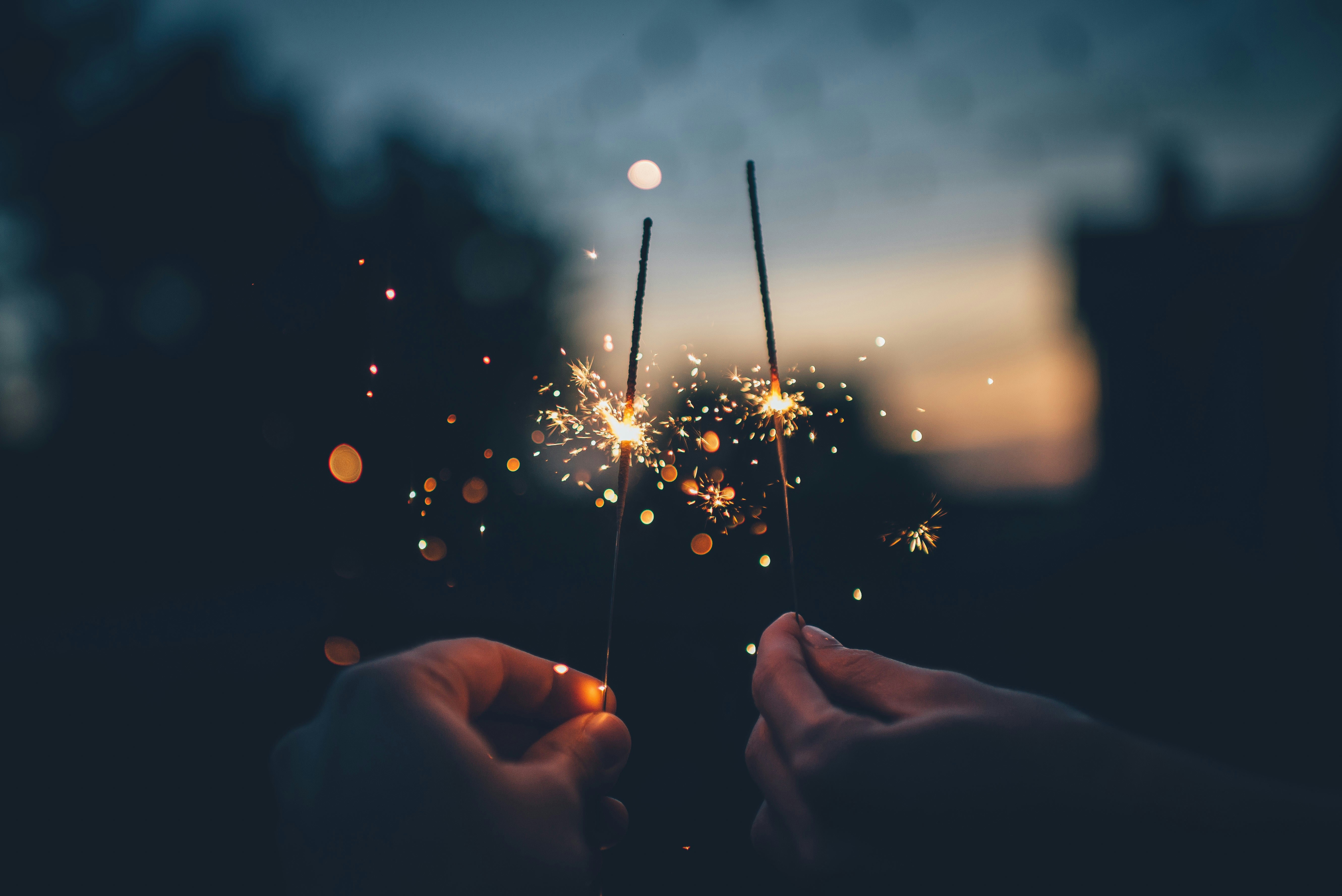
Fireworks and party poppers are commonly used in celebrations like birthdays, New Year parties, festivals, and special events. Adding animated fireworks to your website can make your page more interactive, colorful, and exciting.
In this tutorial, we will create a celebration fireworks animation using HTML, CSS, and JavaScript. The fireworks will launch from the bottom of the screen and explode into colorful particles in the sky.
This beginner-friendly project will help you learn:
- HTML Canvas basics
- CSS styling
- JavaScript animations
- Particle effects
🛠 Technologies Used
- HTML – Structure of the webpage
- CSS – Styling and layout
- JavaScript – Animation logic
No external libraries are required.
🎇 How the Animation Works
The fireworks animation works in three simple steps:
- A rocket launches from the bottom of the screen
- It moves upward toward the sky
- It explodes into multiple colorful particles
These particles spread outward, creating a realistic celebration fireworks effect.
💻 Complete Code (Copy & Run)
Save the following code as celebration-fireworks.html and open it in your browser.
<!DOCTYPE html>
<html>
<head>
<title>Celebration Fireworks</title>

<style>

body{
margin:0;
background:black;
overflow:hidden;
font-family:Arial;
text-align:center;
color:white;
}

h1{
position:absolute;
top:20px;
width:100%;
font-size:40px;
color:gold;
}

canvas{
display:block;
}

</style>

</head>

<body>

<h1>🎉 Celebration Fireworks 🎆</h1>

<canvas id="canvas"></canvas>

<script>

const canvas = document.getElementById("canvas");
const ctx = canvas.getContext("2d");

canvas.width = window.innerWidth;
canvas.height = window.innerHeight;

let fireworks = [];
let particles = [];

function random(min,max){
return Math.random()*(max-min)+min;
}

class Firework{
constructor(){
this.x=random(100,canvas.width-100);
this.y=canvas.height;
this.targetY=random(100,canvas.height/2);
this.speed=5;
this.color=`hsl(${Math.random()*360},100%,50%)`;
}

update(){
this.y-=this.speed;

if(this.y<=this.targetY){
explode(this.x,this.y,this.color);
return true;
}

return false;
}

draw(){
ctx.beginPath();
ctx.arc(this.x,this.y,3,0,Math.PI*2);
ctx.fillStyle=this.color;
ctx.fill();
}
}

class Particle{
constructor(x,y,color){
this.x=x;
this.y=y;
this.color=color;
this.speedX=random(-3,3);
this.speedY=random(-3,3);
this.life=100;
}

update(){
this.x+=this.speedX;
this.y+=this.speedY;
this.life--;
}

draw(){
ctx.beginPath();
ctx.arc(this.x,this.y,2,0,Math.PI*2);
ctx.fillStyle=this.color;
ctx.fill();
}
}

function explode(x,y,color){
for(let i=0;i<50;i++){
particles.push(new Particle(x,y,color));
}
}

function animate(){

ctx.fillStyle="rgba(0,0,0,0.2)";
ctx.fillRect(0,0,canvas.width,canvas.height);

fireworks.forEach((f,index)=>{
f.draw();
if(f.update()){
fireworks.splice(index,1);
}
});

particles.forEach((p,index)=>{
p.draw();
p.update();

if(p.life<=0){
particles.splice(index,1);
}
});

requestAnimationFrame(animate);
}

setInterval(()=>{
fireworks.push(new Firework());
},800);

animate();

</script>

</body>
</html>
🎯 What You Will Learn
- HTML Canvas drawing
- JavaScript animation loops
- Particle effects
- Randomized animation behavior
- Interactive visual programming
🚀 Ideas to Improve This Project
- Add fireworks on mouse click
- Add sound effects
- Create different explosion styles
- Add confetti animation
- Add celebration text like "Happy Birthday" or "Happy New Year"
🎉 Conclusion
Creating celebration animations like fireworks is a fun way to practice HTML, CSS, and JavaScript. These animations can be used in greeting pages, event websites, or party invitations.
Experiment with different colors, speeds, and particle sizes to create your own unique fireworks display.
Happy Coding! 🎆


